What an ADHD Digital Planner Is, and When a Plain Calendar Beats It
The term covers three different products. Here is what each one actually does, which features matter, and a ten-minute test to run before you pay.
You have seen the phrase on Etsy listings, in app-store descriptions and in a dozen short videos, and you still could not say what an ADHD digital planner actually is. Is it an app? A PDF you write on with a stylus? A calendar with more colours?
The honest answer to what is an ADHD digital planner is that it can be any of those, which is why the term confuses people. The useful question is not what counts, but which features you need, and whether the calendar already on your phone covers them.
This post sorts the term out, walks through the three formats people usually mean, and ends with a ten-minute test to run before you spend a dollar.
What people mean by an ADHD digital planner
The phrase has no technical definition. Sellers and developers use it to describe three different things.
- A planner-shaped file, usually a PDF, that you open in a note-taking app on a tablet and write on with a stylus. Sold on Etsy and creator sites, typically for 10 to 40 CAD, one-time.
- A dedicated planner app designed or marketed for ADHD, with a daily timeline, visual timers and persistent reminders. Almost always a subscription.
- An ordinary calendar app plus a task app, set up in a particular way. Costs nothing beyond what you already own.
What they share is a promise: that the layout will take over some of the remembering, sequencing and time-sensing that ADHD makes effortful. Whether a product keeps that promise has little to do with the ADHD label and a lot to do with a handful of features.
Features that separate it from a regular calendar app
Strip away the marketing and a planner earns the label if it does most of the following.
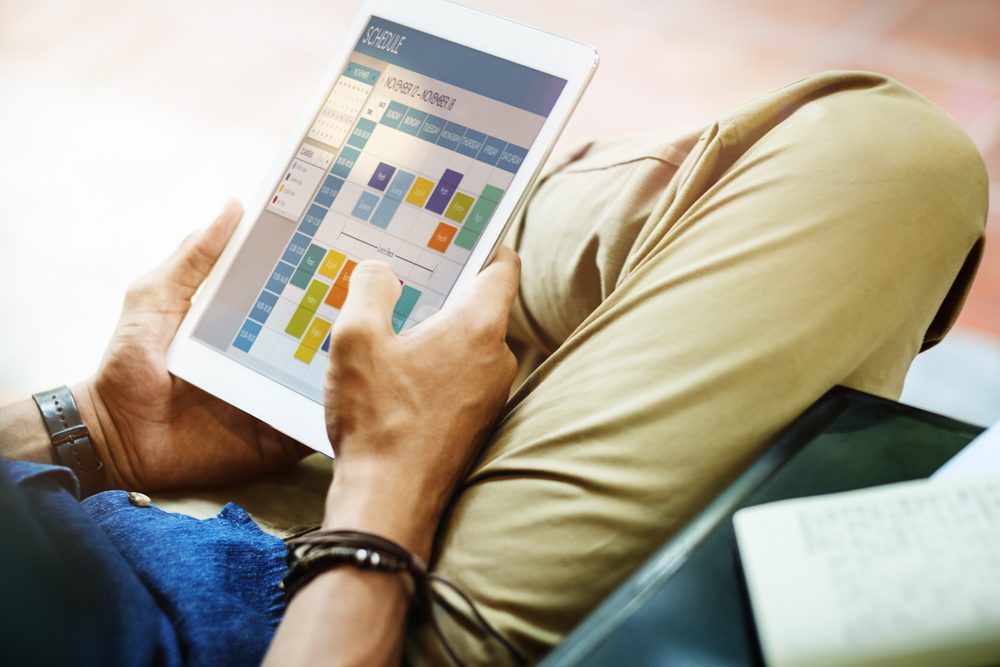
- Shows time as space. The day is a vertical strip where a two-hour block looks twice as long as a one-hour block. Time blindness is easier to work around when duration is visible.
- Puts tasks and appointments on one screen. A list in one app and events in another means one of them gets forgotten.
- Nags more than once. A single notification at 9:00 gets swiped. A reminder the night before, one at start time and one at the deadline is harder to ignore.
- Captures a task in two taps. Every extra step between the thought and the entry is a chance for the thought to evaporate.
- Rolls undone tasks forward on its own. Rewriting yesterday's list by hand is the chore that quietly ends most planning habits.
- Lets you time-block. Dragging a task into a calendar slot gives it a when, not just a what.
None of these require the word ADHD on the box. Many people with ADHD find that a well-configured mainstream app does all six.
Three formats: tablet notebook, planner app, calendar-plus-tasks
Tablet notebook. A PDF planner opened in GoodNotes, Notability or Samsung Notes. You get the feel of handwriting, hyperlinked tabs between months and weeks, and stickers if that keeps you coming back. You do not get notifications. Nothing in it will ever interrupt you. It suits people who already check a planner by habit and want the experience to be nicer, and people who think better with a pen. It does not suit anyone whose core problem is forgetting to look.
Planner app. Tiimo, Structured, Sunsama, Akiflow, Motion and similar apps draw the day as a visual timeline, pull in your existing calendar, and push reminders. Most cost between 6 and 40 CAD a month depending on how much automation they add. They suit people who need the day laid out as a shape and need to be told when the next block starts. The risk is setup. Some take an evening to configure, and an unconfigured planner app is just another icon.
Calendar plus tasks. Google Calendar or Apple Calendar for anything with a time, plus Google Tasks, Apple Reminders, Microsoft To Do or Todoist for anything without one. Free or close to it, already on your phone, synced to every device you own. The planner is the way you use them: one calendar for everything, tasks dragged into slots, three reminders on anything important. Our answer on which digital ADHD tools help with time, reminders and focus goes deeper on the individual apps.
When a plain phone calendar does the job better
There are four situations where the plain calendar beats a planner app, and they are common.
- You mostly need to show up places. If the real failures are missed appointments, late school pickups and forgotten calls, a calendar with locations, travel-time alerts and two reminders is the whole solution. A planner app adds a task layer you will not use.
- You share a life with someone. Shared family calendars work in Google and Apple out of the box. Almost no planner app lets your partner see the dentist appointment.
- Your employer or school runs on Outlook or Google Workspace. A separate planner that does not sync both ways means double entry, and double entry dies in week three.
- You have abandoned three planner apps already. The problem is probably not the app. It is the habit of looking. An ADHD coach can help you build a calendar system you actually use, and the calendar you end up with is usually the plain one.
A plain calendar also has the virtue of being boring. Nothing to customise, no themes to fiddle with at 11 p.m., no redesign that moves the buttons next spring.
A 10-minute test before you pay for anything
Run this with whatever calendar is already on your phone. If it passes, you have your ADHD digital planner and it cost nothing.
- Minutes 1 to 3. Add every fixed commitment for the next seven days: shifts, classes, appointments, garbage night. Give each one a travel-time or prep-time alert.
- Minutes 4 to 6. Add three tasks that have no fixed time, and drag each into a real slot. Calling the pharmacy goes at 10:15 on Tuesday, not on a list.
- Minutes 7 to 8. Set three reminders on the one event you most fear missing: the night before, an hour before, and at the moment you should be walking out the door.
- Minute 9. Put the calendar widget on your home screen in week view, so the next three days are visible without opening anything.
- Minute 10. Delete one app you have not opened in a month. Make room.
Then wait a week. If you glanced at the widget most days and the reminders got you out the door, keep it and spend the money on something else. If you kept forgetting to look, or the day felt like a list rather than a shape, that is the signal a timeline-style planner app deserves a free trial. If you want the pen, buy the PDF, but keep the phone calendar for anything with a time attached.
Whatever you choose, choose one. Most planning systems fail not because the tool was wrong but because there were two of them. If you are still weighing paper against screens, our post on digital versus physical planners for ADHD covers that trade-off.
This article is for educational purposes only and is not medical advice, diagnosis, or treatment. Always consult a licensed healthcare professional about your individual situation. If you are in crisis or thinking about self-harm, call or text 9-8-8, Canada’s Suicide Crisis Helpline, at any time.
Finding Focus uses AI tools to help research and draft some articles. Every article is edited and fact-checked by the Finding Focus team before publication. See our editorial and medical review policy.